
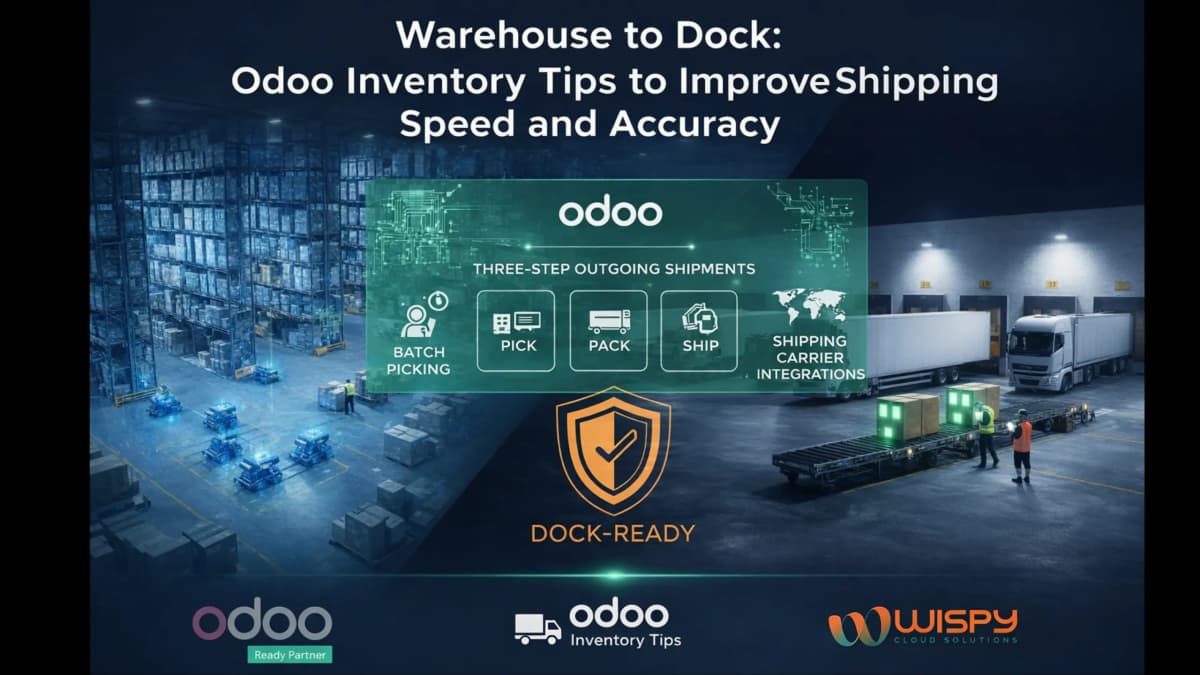
Moving goods from warehouse racks to the loading dock is where operational promises become real deliveries. For small shipping and distribution businesses, every misplaced pallet, incorrect pick, or delayed truck increases costs and frustrates customers.
With the right configuration, Odoo Inventory and Warehouse Management can improve dock efficiency, reduce picking errors and shorten shipping cycles without heavy automation investments.
This guide shares practical, field-tested Odoo warehouse management tips to streamline the journey from shelf to truck bay.
Why Warehouse-to-Dock Optimization Matters in Small Shipping Operations
Small shipping businesses operate with:
- Tight margins
- Limited staff
- High order variability
- Growing customer expectations
Delays at the dock often stem from mismatched warehouse locations, poor picking coordination, or manual paperwork. Odoo Inventory becomes powerful when it mirrors the actual physical warehouse flow rather than forcing artificial processes.
1. Map Your Physical Warehouse Flow Before Configuring Odoo
Before adjusting routes or warehouse settings in Odoo, walk through the real operational flow:
Receiving → Putaway → Picking → Packing → Dock → Dispatch
Identify bottlenecks such as:
- Congested aisles
- Slow weighing stations
- Shared packing benches
- Poor staging layout
Then configure Odoo warehouse locations and routes to reflect this real-world movement. Software should reinforce reality not fight it.
2. Keep Warehouse Locations Simple and Logical
Clear location naming improves pick accuracy dramatically.
Use consistent formats like:
- ZONE-A / RACK-03 / BAY-02
- DOCK-FAST-PICK
- BULK-STORAGE-01
Fewer, meaningful locations are better than dozens of micro-bins for small operators. When location names match physical signage, searching and picking errors decrease.
Result: Faster picks and reduced dock dwell time.
3. Use Barcode Scanning to Improve Odoo Picking Accuracy
Barcode scanning is one of the fastest ROI upgrades in Odoo Warehouse Management.
Odoo supports barcode scanning for:
- Receipts
- Internal transfers
- Picking
- Packing validation
Even basic scanner or smartphone integration significantly reduces manual entry errors and mis-picks.
Warehouses implementing barcode-based workflows consistently report:
- Higher pick accuracy
- Fewer re-picks
- Reduced manual stock adjustments
For small teams, this single upgrade often transforms dock performance.
4. Reserve Stock at the Right Time Using Odoo Allocation Rules
Odoo allows stock reservation either:
- At order confirmation
- At picking validation
For high-priority shipments, reserve stock immediately upon confirmation. This prevents last-minute allocation conflicts at the packing station.
Small shippers juggling fluctuating walk-in orders benefit greatly from clear reservation rules.
5. Use Putaway Rules to Reduce Travel Time
Odoo’s putaway strategies help reduce unnecessary movement inside the warehouse.
Examples:
- Same-day shipments → Fast-pick zone near dock
- Bulk stock → Deep storage
- Fragile goods → Designated rack
Strategic putaway reduces double handling and cuts order cycle time.
6. Enable Lot and Serial Tracking Where Required
For regulated, perishable, or warranty-backed goods, enable lot and serial tracking in Odoo.
Benefits include:
- Faster recall management
- Accurate batch-level shipping
- Reduced compliance risk
- Easier claims handling
Selective tracking (only critical SKUs) keeps operations simple while ensuring traceability.
7. Use Compact Picking Waves for Dock Efficiency
Odoo supports filtering and grouping pickings based on:
- Shipping route
- Customer priority
- Departure schedule
Create short picking waves aligned with truck loading times. This reduces repeated trips to the same racks and improves loading coordination.
When pickers and dock teams operate in sync, truck idle time decreases significantly.
8. Integrate Carrier Label Printing into Packing
Dock delays often happen during label generation.
Integrate carrier and label printing directly into Odoo’s packing step so that:
- Shipping labels print automatically
- Carrier documentation attaches instantly
- Packages move directly to staging
This removes last-minute scrambling before dispatch.
9. Track a Few High-Impact Warehouse KPIs
You don’t need dozens of dashboards. Focus on:
- Pick accuracy rate
- Average time from pick to dock
- Dock-to-departure time
- On-time shipment rate
Odoo dashboards allow real-time monitoring. Small improvements in these KPIs compound quickly.
10. Use Cycle Counts Instead of Full Inventory Shutdowns
Full physical inventories disrupt small warehouses.
Instead, use Odoo’s cycle counting feature:
- Schedule frequent counts for fast-moving SKUs
- Adjust reorder points based on count results
- Reduce surprise stockouts
Cycle counts keep inventory accurate without halting operations.
11. Make Dock Scheduling Visible
A visible dock schedule prevents congestion.
Use:
- Odoo planning tools
- Shared calendars
- Dispatch dashboards
When receiving and shipping windows are visible, picking and staging can be timed accordingly, reducing dock dwell time.
12. Train Staff for Exception Handling
Most delays come from exceptions, not routine orders.
Train teams on:
- Partial receipts
- Damaged goods workflows
- Serial number mismatches
- Reassignment procedures
Link SOPs directly to Odoo actions. Clear exception handling keeps operations moving smoothly.
Start Small with Automation Scale Based on ROI
Begin with:
- Barcode scanning
- Label automation
- Structured location naming
- Basic picking wave optimization
Advanced automation (conveyors, sortation systems) should follow clear ROI evidence.
For small shipping businesses, incremental improvements often outperform heavy investments.
Final Warehouse-to-Dock Checklist
Before each shipping day, confirm:
- Location names match aisle signage
- Critical SKUs are cycle-counted
- Barcode scanners are charged
- Label printers are integrated
- Dock calendar is updated

When Odoo mirrors real warehouse movement, it shifts from software to operational partner.
Conclusion
Warehouse-to-dock operations may look routine, but for small shipping businesses, this flow determines profitability and customer satisfaction.
With thoughtful configuration of Odoo Inventory and Warehouse Management, teams can reduce picking errors, improve dock efficiency and accelerate dispatch without heavy infrastructure upgrades.
Clear locations, practical putaway rules, barcode validation, compact picking waves and focused KPIs transform dock performance.
In the busiest shipping moments, preparation and structure create calm and Odoo becomes a true operational backbone.
FAQs
1. How can Odoo improve warehouse to dock efficiency?
Odoo improves dock efficiency through barcode scanning, structured locations, picking waves and automated label printing.
2. Does Odoo support barcode scanning for warehouse operations?
Yes. Odoo supports barcode scanning for receipts, transfers, picking and packing.
3. What KPIs should small warehouses track in Odoo?
Key KPIs include pick accuracy, pick-to-dock time, dock dwell time and on-time shipment rate.
4. Can Odoo manage cycle counting?
Yes. Odoo allows scheduled cycle counts based on SKU movement and warehouse rules.
5. Is Odoo suitable for small shipping businesses?
Yes. Odoo is scalable and cost-effective for small warehouses needing structured inventory control.